
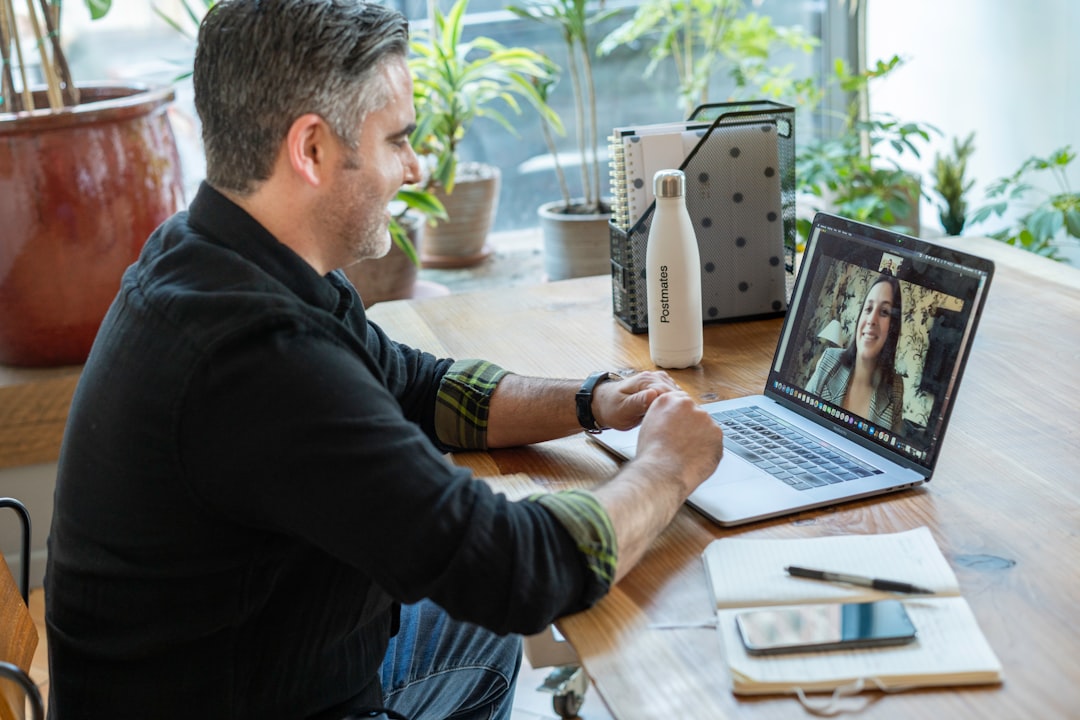
What is the most important thing to do before a video job interview?
Test your technology thoroughly at least 24 hours in advance — camera, microphone, lighting, internet connection, and the specific video platform being used. Technical failures during a video interview create a poor first impression and consume interview time. After technology, prepare your environment for professional appearance on camera and practice looking into the camera rather than at the interviewer's image on screen.
Video interviews have become the dominant format for first and second-round interviews at most technology companies, and many companies now conduct entire hiring loops remotely. While video interviews share the same evaluation criteria as in-person interviews, they have specific technical, environmental, and communication challenges that in-person interviews do not. A candidate who is well-prepared for the video medium performs significantly better than an equally qualified candidate who treats it as identical to in-person.
Technology Preparation
Test Everything in Advance
Never test your technology for the first time on the day of the interview. Test at least 24 hours in advance, in the same environment where you will interview.
Camera: Is the image clear? Is your face well-lit and clearly visible? Is the camera at eye level?
Microphone: Is your voice clear without echo or background noise? Test by recording yourself or calling a friend.
Internet: Test your connection speed. For video calls, you need at minimum 5-10 Mbps upload speed for clear video. Use wired ethernet if possible rather than WiFi for stability.
Platform: Download and test the specific video platform (Zoom, Google Meet, Teams, Webex) before the day of the interview. Know where the mute button and camera off button are.
Backup: Know your backup plan. If your internet fails, can you join via mobile data? If your laptop fails, can you use your phone?
Camera Position and Lighting
Camera position is critical for the impression you make:
Height: Camera should be at eye level or very slightly above. Laptops on a desk typically require elevation — use a stack of books if necessary. A camera positioned significantly below your face creates an unflattering upward angle.
Lighting: Your face should be well-lit. Natural light from a window in front of you (not behind you) is ideal. A room light in front of you is a good alternative. Avoid:
- Back-lighting (window or light source behind you creates silhouette)
- Under-lighting (appears as unflattering shadows under eyes)
- Ring lights that create visible reflections in glasses
Background: Clean, professional, neutral. Remove distracting items from the frame. A bookshelf with books is professional. A cluttered bedroom wall is not. A well-selected virtual background is an acceptable alternative if your real background is not professional.
The Eye Contact Problem in Video
The most common video interview mistake is looking at the interviewer's image on screen rather than looking into the camera lens.
When you look at the screen, your eyes appear to be looking slightly down and to the side — it looks like you are avoiding eye contact. When you look into the camera lens, you appear to be making direct eye contact with the interviewer.
This is counterintuitive because looking at the camera means you cannot see the interviewer's face. Strategies:
- Position the video window as close to the camera as possible
- Look into the camera when you are speaking
- Allow yourself to glance at the screen when listening, but return to the camera when responding
Audio Is More Important Than Video Quality
Poor audio causes more evaluation damage than poor video quality. Interviewers will forgive a slightly grainy image; they will not forgive inaudible or echo-filled audio.
Use a headset or external microphone: Built-in laptop microphones pick up keyboard sounds, room echo, and background noise. A basic USB microphone or noise-canceling headset dramatically improves audio quality.
Minimize background noise: Close windows, close doors, turn off fans and air conditioners (if the room can tolerate it for the duration), and silence your phone.
Echo: Echo usually comes from speakers reflecting back to your microphone. If you hear echo, use headphones or a headset.
Behavior on Camera
Video flattens and magnifies certain behaviors. What reads as normal in person can read differently on a 15-inch screen.
Facial animation: Your face needs slightly more animation on camera than in person. A neutral expression that would read as attentive in person can read as flat or bored on screen. Smile naturally when appropriate, nod while listening.
Speaking pace: The slight transmission delay in most video systems means speaking slightly slower than normal reduces the chance of talking over the interviewer. Leave a brief pause before speaking to ensure the other person has finished.
Minimal distractions: Have only what you need on your desk. A pad and pen for notes is fine. Multiple devices, papers spread around, or a cluttered workspace creates a distracting frame.
Technical Failure Protocols
Even with preparation, technology can fail. Having a protocol for failures prevents panic.
| Failure | Response |
|---|---|
| Video freezes | Send a message in chat: "My video seems to have frozen — rejoining now." Rejoin immediately. |
| Audio cuts out | Send a message in chat: "I can see you but my audio may have cut out — do you hear me?" |
| Platform crashes | Call or text the recruiter's number from the interview invite and ask to switch platforms |
| Internet failure | Call or text recruiter, offer to continue by phone |
Always have the recruiter's phone number and the interview invite easily accessible before the interview starts.
Frequently Asked Questions
Should I dress professionally for a video interview? Yes. Dress professionally for video interviews as you would for in-person ones. Camera compression can make clothing patterns distracting (avoid small patterns and stripes). Solid colors in medium tones photograph well. Wearing professional attire also affects your own psychology — research suggests that professional dress improves performance on analytical tasks.
What should I do if a family member or pet interrupts the interview? Briefly acknowledge it, manage it quickly, and refocus. Most interviewers are completely understanding about domestic interruptions. A brief "excuse me for one moment" while you address the situation, followed by a calm return to the conversation, is handled more gracefully than visible panic. Trying to pretend nothing happened while clearly being distracted is worse than briefly acknowledging and redirecting.
Is it acceptable to have notes visible during a video interview? Discrete notes are acceptable — a notepad nearby with your prepared questions or a few key facts. A script that you are visibly reading from is not. The interviewer can usually tell when you are reading, and it significantly reduces the impression of genuine knowledge and preparation.
References
- Straus, S. G., Miles, J. A., & Levesque, L. L. (2001). The effects of videoconference, telephone, and face-to-face media on interviewer and applicant judgments in employment interviews. Journal of Management, 27(3), 363-381.
- Chapman, D. S., & Rowe, P. M. (2001). The impact of videoconference technology, interview structure, and interviewer gender on interviewer evaluations in the employment interview. Journal of Occupational and Organizational Psychology, 74(3), 279-298.
- Langer, M., König, C. J., & Papathanasiou, M. (2019). Highly automated job interviews: Acceptance under the influence of stakes. International Journal of Selection and Assessment, 27(3), 217-234.
- Sears, G. J., Zhang, H., Wiesner, W. H., Hackett, R. D., & Yuan, Y. (2013). A comparative investigation of interview responses among applicants from different cultural backgrounds. International Journal of Selection and Assessment, 21(4), 377-390.
- Tews, M. J., Michel, J. W., & Ellingson, J. E. (2013). The impact of coworker support on employee turnover. Journal of Business and Psychology, 28(3), 331-341.
Frequently Asked Questions
Should I dress professionally for a video interview?
Yes. Dress professionally for video interviews as you would for in-person ones. Solid colors in medium tones photograph well. Wearing professional attire also affects your own psychology — research suggests professional dress improves performance on analytical tasks.
What should I do if a family member or pet interrupts the interview?
Briefly acknowledge it, manage it quickly, and refocus. Most interviewers are understanding about domestic interruptions. A calm return to the conversation is handled more gracefully than visible panic or trying to pretend nothing happened while clearly distracted.
Is it acceptable to have notes visible during a video interview?
Discrete notes are acceptable — a notepad with prepared questions or key facts. A script you are visibly reading from is not. The interviewer can usually tell when you are reading, and it significantly reduces the impression of genuine preparation.